The Problem
I run Grocy for household stock management — pantry items, cleaning supplies, anything consumable that I want to track. Every product has a quantity, a storage location, and optionally an expiry date. It’s all there. Grocy’s web interface is fine, but opening a browser to check whether I have olive oil, and how many bottles, and whether any of them are about to expire, is exactly the kind of friction that makes you stop maintaining the system.
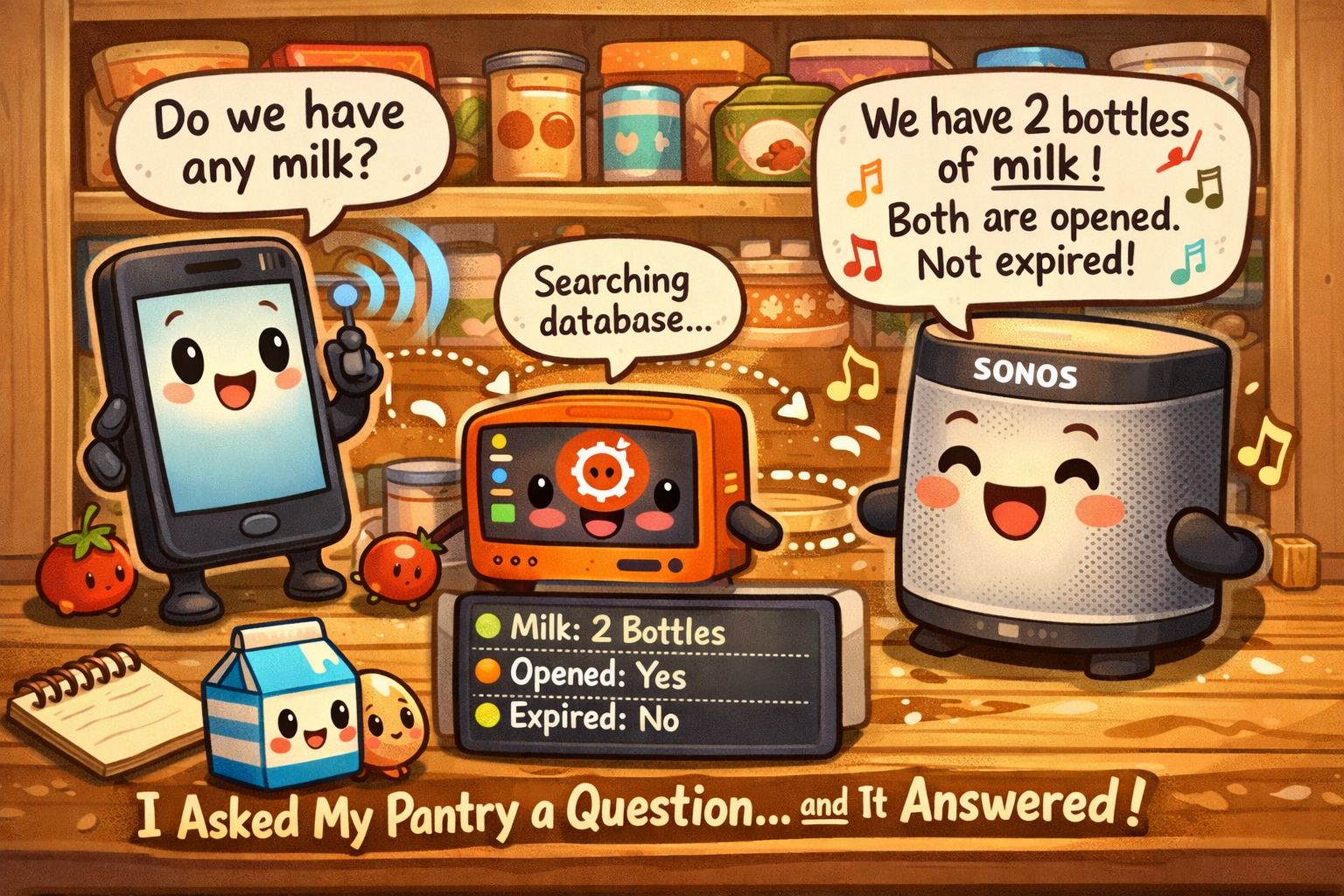
What I wanted was simpler: tap a shortcut on my phone, type a name, and have the answer spoken aloud in the room I’m standing in — with the expiry date included if one’s been logged.
The friction of opening a browser to answer a kitchen question is exactly what kills home inventory habits. Remove the friction and the system actually gets used.
Everything I needed was already running. Grocy on my home server. Home Assistant on a dedicated device. Tasker on my phone. Sonos in the living room. The only thing missing was a small piece of middleware to tie them together.
The Pipeline
The full path from question to spoken answer looks like this:
Nothing in that chain is cloud-dependent. No third-party subscriptions. The whole thing runs on hardware I own and software I control.
The Pieces
Each component in the pipeline has a specific role. Here’s the full stack and what each part contributes.
The Auth Model
Grocy’s API authentication is different from most self-hosted apps and worth understanding before you write a line of code. There’s no login endpoint, no token exchange, no session cookie. Grocy uses a static API key passed as a request header on every call.
Every request includes GROCY-API-KEY: your_key_here in the header. That’s the entire auth model. You generate the key once in Grocy’s settings, store it in your service config, and reference it on every API call. No token caching, no refresh logic, no expiry to manage.
The Search Problem
Grocy’s API has a query filter syntax that looks like it should work for product search: query[]=name~like~{term}. Pass a search term, get back matching products. Except on a number of Grocy versions, this filter operator is either unsupported or silently broken — it returns an empty array regardless of what you search for.
I confirmed this by running a full product dump against my instance: the products were there, the search syntax just didn’t find them. The ~like~ operator isn’t reliably implemented across Grocy versions.
The fix is straightforward: pull the full product list from /api/objects/products and filter on the Python side using a simple substring match. It’s one extra network call for a dataset that’s never more than a few hundred items — the performance difference is immeasurable, and the behavior is completely predictable regardless of Grocy version.
How It Works
The Tasker widget fires a task that opens a native input dialog on the phone. Type what you’re looking for, tap OK. The task packages the input as a JSON payload and sends it to the Flask service running on the home server.
The Flask service receives the search term, pulls the full Grocy product list, filters by name, and then fetches stock detail for each match. Stock detail comes back from a single endpoint — quantity, opened count, location, and expiry date are all in one response. No chained calls needed.
Tap the shortcut on the phone. Type a product name. That’s the entire user interaction before the answer comes back.
Tasker sends {“item”: “search_term”} to the Flask service on port 8770. Works over LAN or Tailscale from anywhere.
Flask fetches all products from Grocy, filters by name substring match, then pulls stock detail for each matching product.
One match gets full spoken detail. Multiple matches get listed. Too many triggers a reprompt. Expiry dates are spoken if present and valid.
The server calls Home Assistant directly for both outputs. Piper renders the text to speech locally and plays it on Sonos. HA pushes a persistent tray notification.
The Expiry Layer
Expiry date was the feature that made this more than a stock count tool. Grocy stores next_due_date in the stock detail response — but it requires careful handling before you can safely speak it.
Grocy uses the sentinel value 2999-12-31 to indicate that no expiry has been set for a product. That date needs to be caught and filtered before it reaches the TTS engine — “expires December 31st, 2999” is not a useful response. Any date matching the sentinel is treated as no expiry and omitted from the spoken output entirely.
For real dates, the logic branches on whether the date is in the past or future. Past due dates are spoken as “expired” rather than reading a date string. Future dates are formatted as a natural month and day with an ordinal suffix — “expires June 3rd” rather than “expires 2026-06-03”. That one formatting decision makes the response sound intentional rather than machine-generated.
next_due_date sentinel is 2999-12-31. Always filter this value before any date processing. Products without an expiry date set will carry this value — it’s not an error, it’s the default.What It Sounds Like
The spoken response varies based on what the search returns. The format is consistent, and every piece of available stock information is included in the right order:
The Reprompt Loop
A broad search term can return dozens of matches. A long list read aloud by Piper isn’t useful, and TTS engines will silently drop responses that exceed a length threshold anyway. The solution is to treat “too many results” as a distinct state rather than an edge case to flatten.
When match count exceeds four, the server returns HTTP 300 with a brief message instead of a full spoken response. Tasker reads %http_response_code, recognizes 300 as the refinement signal, and re-opens the input dialog. From the user’s perspective the dialog just reappears — there’s no error state, no failure message, just a second prompt.
The Interesting Problems
Aside from the API filter issue already covered, a few things came up that are worth documenting for anyone building something similar.
~like~ operator documented in the API returns empty results on some installs. Pulling the full product list and filtering in Python takes milliseconds and works on every version. Don’t waste time debugging the server-side filter — just move the logic to your service./api/stock/products/{id} returns quantity, opened count, location, and expiry date in one response. No second API call needed. The endpoint returns 400 for products that have never had any stock logged — handle that case explicitly or you’ll get unhandled exceptions on valid products.2999-12-31 will pass every validity check — it’s a perfectly valid date. The filter has to happen first, before any comparison to today’s date, before any formatting. Filter by sentinel value, not by date range.The Flask Service
The middleware is a single Python file running as a systemd service. It stays alive permanently — no manual starts, no cron hacks, automatic restart on failure. The service listens on port 8770 for POST requests to /grocy/query.
The core flow: receive the search term, pull all Grocy products, filter by name, fetch stock detail for each match, build the response string with quantity, opened count, location, and expiry, then fire Piper TTS via Home Assistant and push the phone notification — all before returning the HTTP response to Tasker.
The Tasker task itself was cloned directly from an existing inventory query task. Three fields changed: the variable name, the JSON body variable, and the endpoint URL. Everything else — the dialog setup, the reprompt loop logic, the collision handling setting — carried over unchanged.
Why This Works as a System
The value isn’t the individual pieces — Grocy, Home Assistant, and Tasker all have decent interfaces on their own. The value is in connecting them so that the friction of answering a practical question drops below the threshold where you’d bother.
Grocy is only useful if you keep it updated. You keep it updated if looking things up is easy. If looking things up requires opening a browser, navigating to the app, and finding the product, you’ll start skipping updates because the system “isn’t worth maintaining.” The pipeline removes that excuse entirely.
This is the same architecture as the inventory query pipeline built before this one. Same Flask pattern, same Tasker task structure, same HA notification path. Different endpoint, different API auth model, one new data field. The work was in understanding Grocy — the plumbing was already proven.
If you’re running Grocy and want to build something similar, everything here is open-source or free: Grocy, Home Assistant, Tasker, Piper TTS, and a Linux server. The architecture is straightforward. The tricky parts are the API filter behavior and the expiry sentinel — both documented above so you don’t have to rediscover them.
Filed under: Home Lab / Home Automation — technococo.com